BrightsideFree
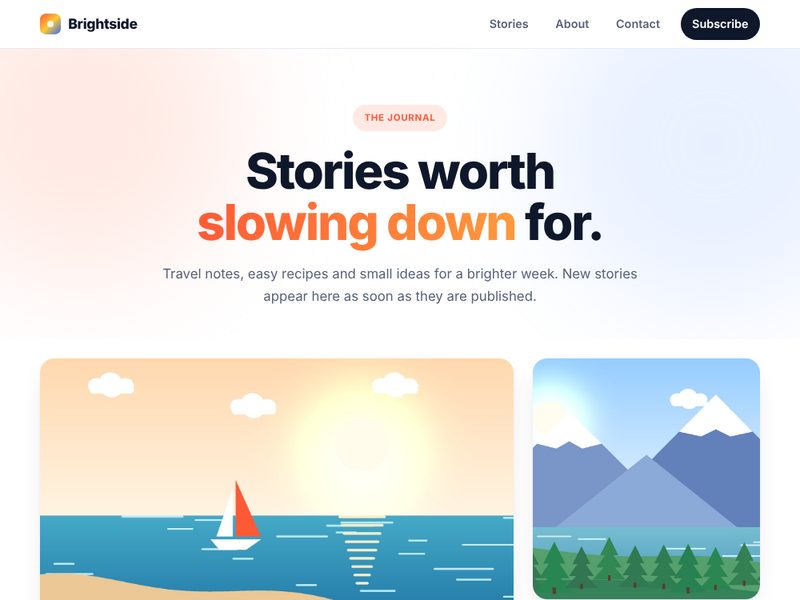
Blog / magazine · Bright · Light · Mobile menu
The simplest alternative to WordPress. Drop in one folder, click any text, publish.
Self-hosted · Shared hosting · Pay once
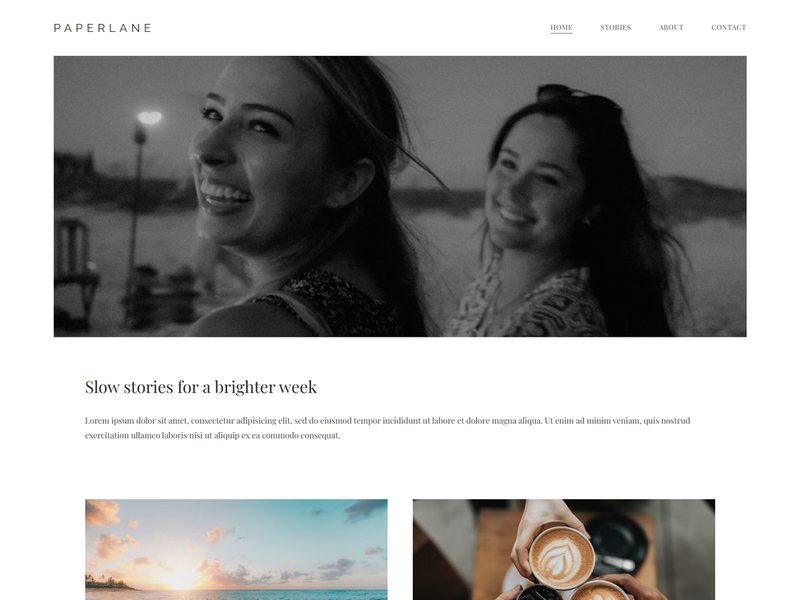
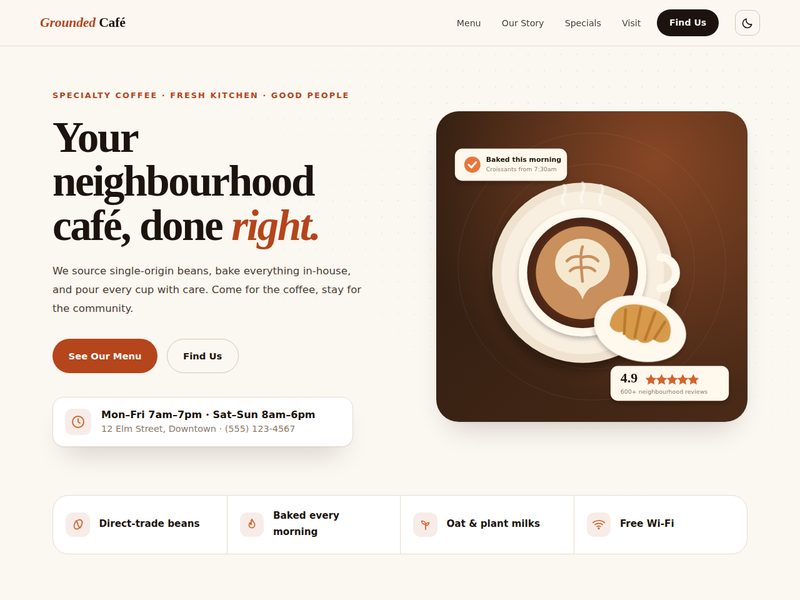
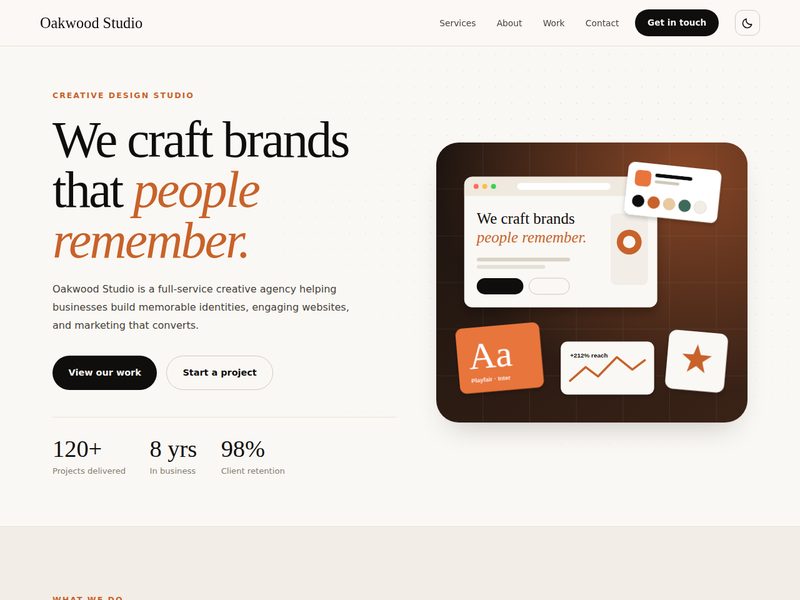
Small-batch loaves, pastries and coffee from our corner shop.
How it works
Copy cms/ next to your HTML.
<h1 class="cms-content"
    id="hero-title">
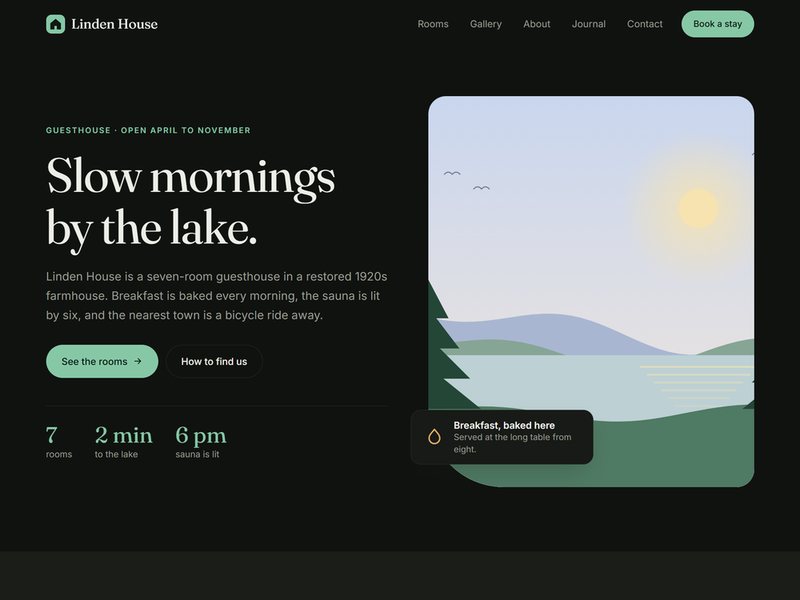
  Slow mornings
</h1>
Editable
A class and an id. Templates have them.
Create your account. Start typing.
What you get
Edit text, swap images, embed video and maps, directly where they live.

A visual dashboard of your whole site, grouped in folders.

Write posts with one button. Sitemap and social images come free.

Every publish keeps a backup. Restore it in one click.
Built for designers. Easy for clients.
Your design stays exactly as you built it.
<h1 class="cms-content" id="hero-title">SQLite sets itself up.
Runs almost anywhere.
No subscription. Ever.
Publish when ready.
Follows your system.
Compared
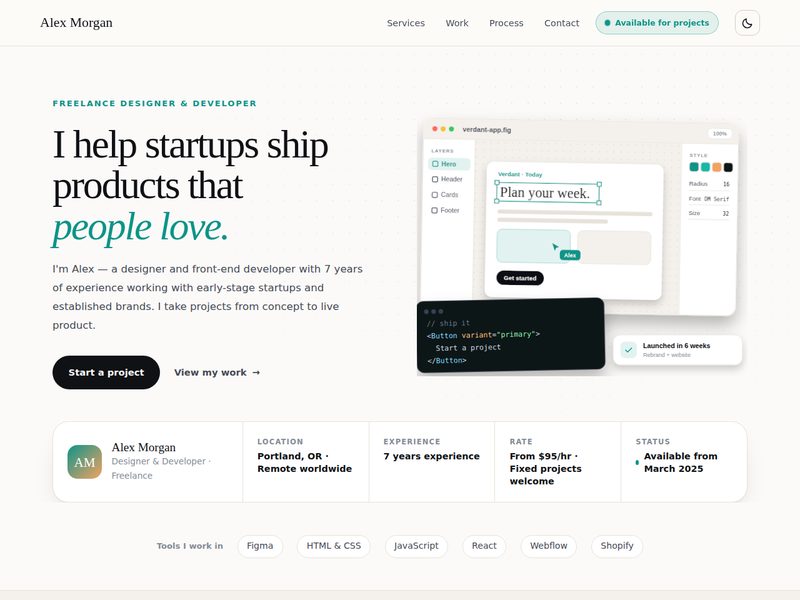
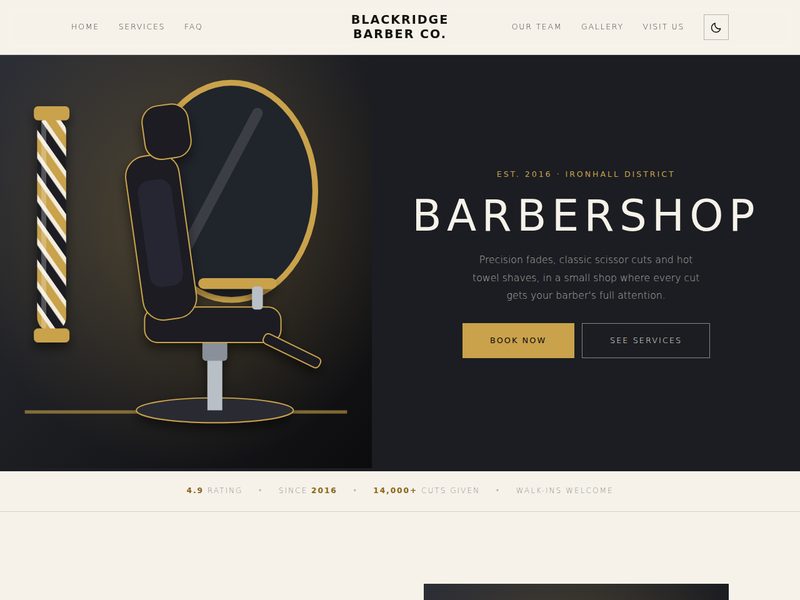
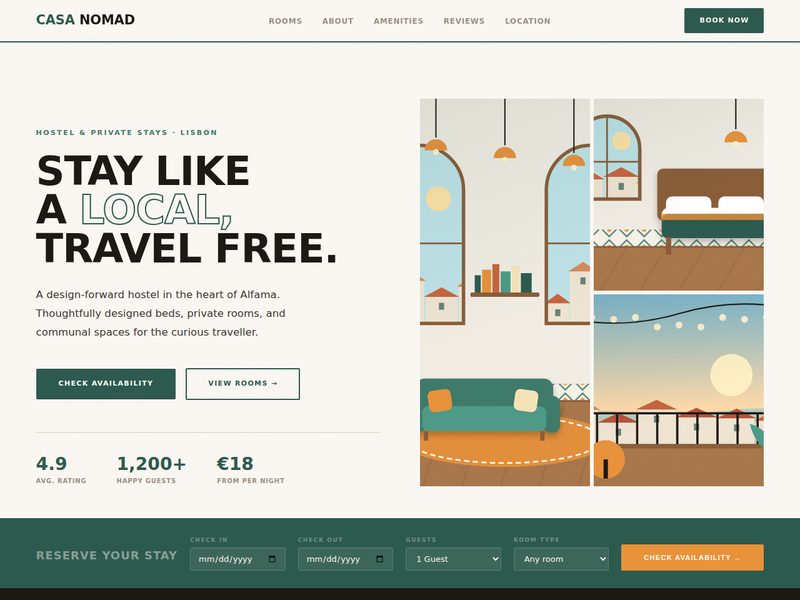
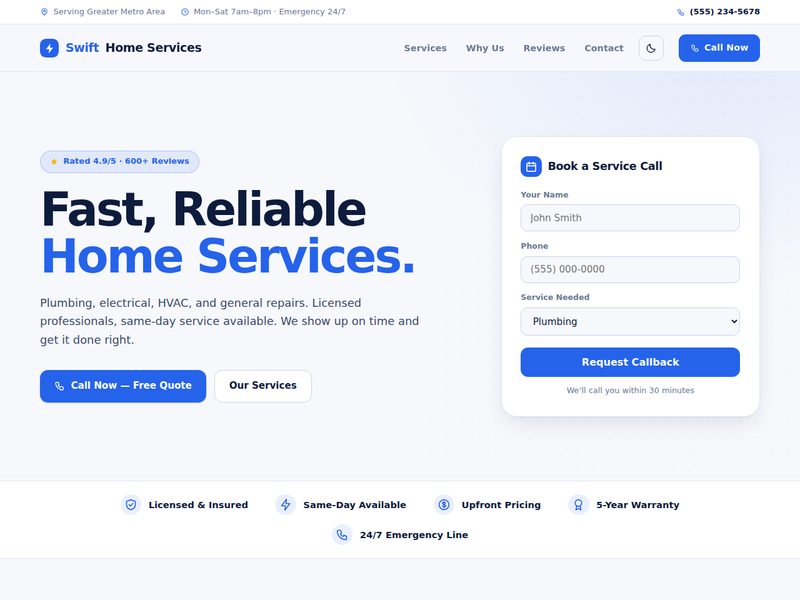
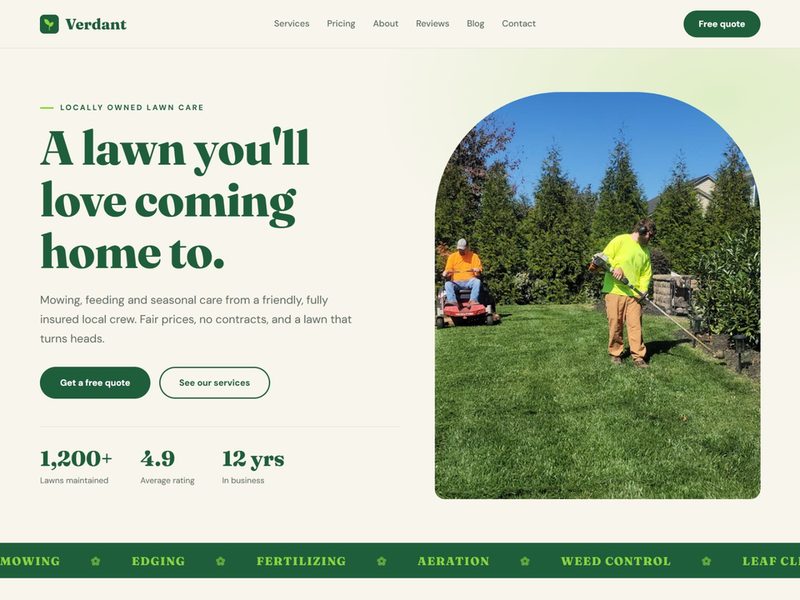
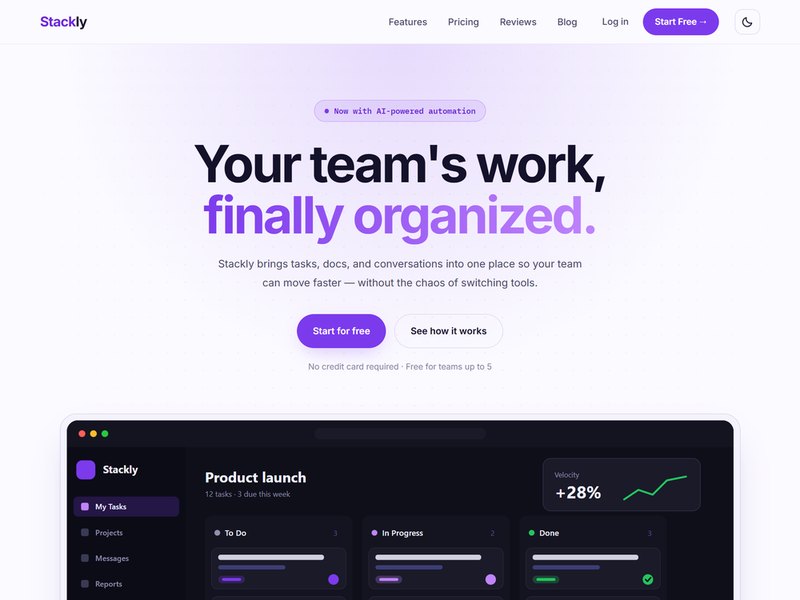
Free templates
Already marked up for Editly. Download, edit, ship.
Pricing
No subscription. One license covers one site or one client project.
Get Editly CMSOr try the live demo firstFor freelancers and studios. Use it on every client site, with your own branding.
Get White labelOr try the live demo firstYes. Use them on any number of projects, including client work, with no time limit. The only condition is a small “Template by Editly” link in the footer. See the license.
Buy an Editly CMS license. On any site running Editly CMS under a valid license, you can remove the “Template by Editly” link.
No database server. You need PHP with the PDO SQLite extension, which almost every host has. Visit /cms/admin/ once, create your account, and it sets itself up.
For brochure sites, portfolios and small blogs, yes: it is much simpler to set up and run. It does not do online shops, member accounts or a plugin ecosystem, so if you need those, WordPress is the better tool.
Yes. Editly CMS includes a blog template, a list of posts that updates itself, and a “New post” button in the dashboard. It also generates a sitemap.xml and social share images for your pages.
Every publish backs up the previous version. Restore any backup from the dashboard in one click.
A Personal license covers one site or one client project, and each additional site needs its own. White label covers unlimited client sites. Templates have no site limit.